- ...>The Fair Work Act Navigator
The Fair Work Act Navigator
The Fair Work Act Navigator
In line with changes being made to fair work awards, we have created a central hub you can use to get a hand on the new rules and awards. This guide will show you how you can use it and its benefits...
What is the Fair Work Act Navigator?
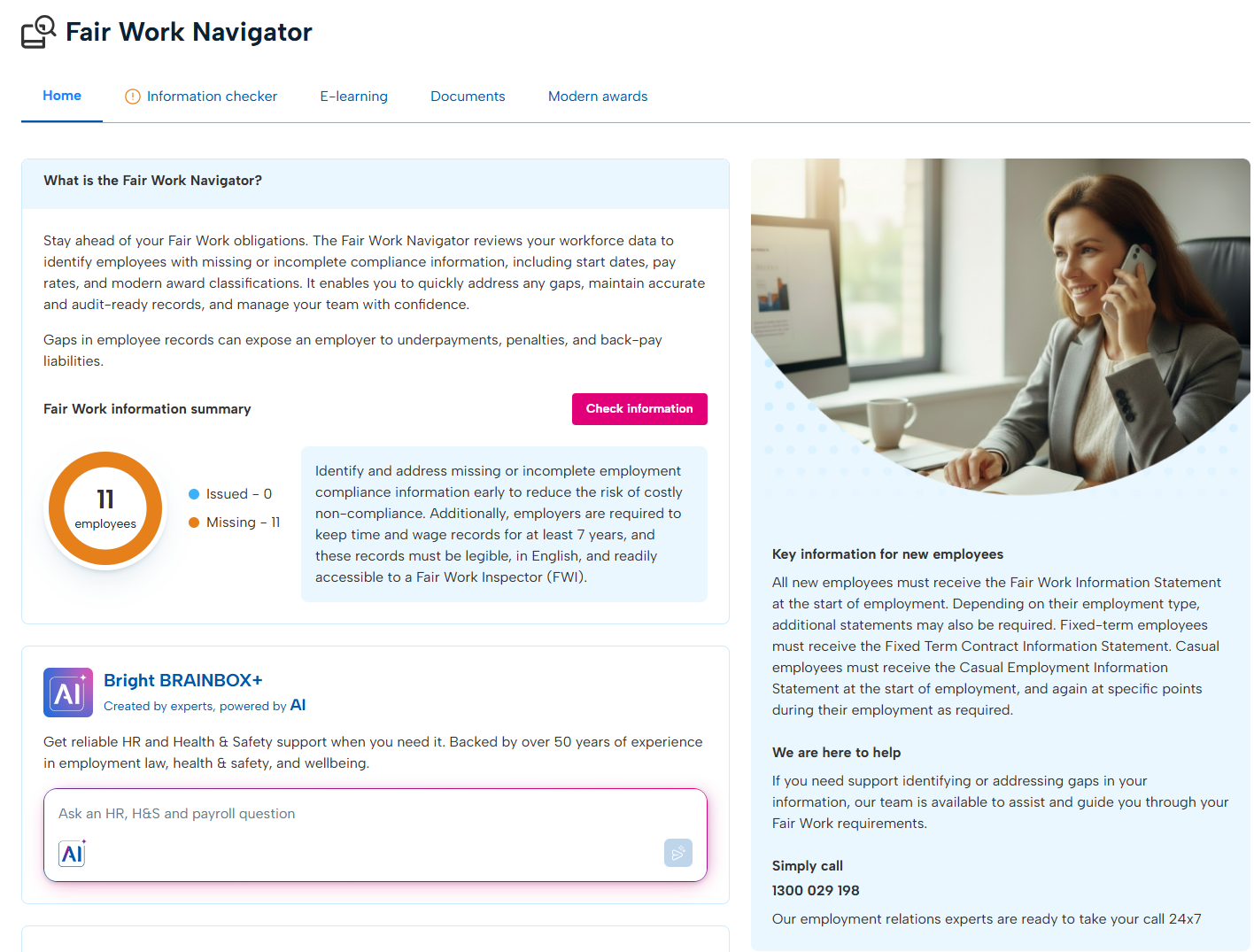
The Fair Work Act Navigator is a dedicted section of your BrightHR account to help you ensure you are fully compliant with Fair Work Awards and regulations.
The Fair Work Act Navigator reviews your workforce data to identify employees with missing or incomplete compliance information, including start dates, pay rates, and modern award classifications.
It enables you to quickly address any gaps, maintain accurate and audit-ready records, and manage your team with confidence.
Gaps in employee records can expose an employer to underpayments, penalties, and back-pay liabilities.
On top of this, you get access to a full suite of E-learning courses helping you wrap your head around all of the angles off the Fair Work changes coming in as of 1st July 2026.
To help even further, we have updated employee profiles to help you apply the appropriate rewards and even give a full list of applied awards in the navigator so you can see at a glance which is relevant including a handy overview of the award and the minumum base rates of pay.
The Home Screen
The home tab in the navigator will give you access to an AI tool for advice as well several handy reports you can use to pull important data from BrightHR.
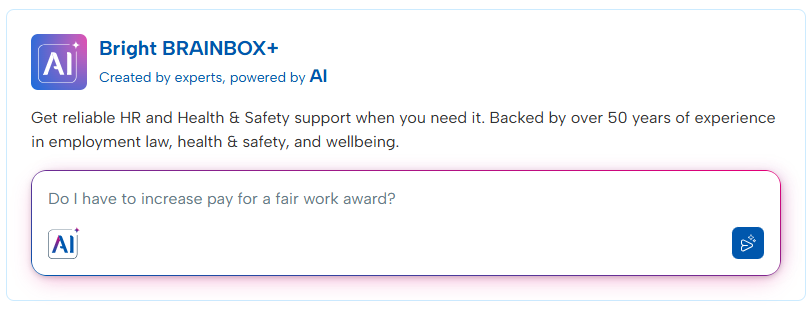
BrainBox
BrainBox is your AI tool which you can use to get instant answers to tricky HR questions and has all the up-to-date guidance around the Fair Work changes.
Its as simple as asking your question and reading the answer it gives you and don't worry, our AI has access to all updates to employment law from our advisers.
Any cases that're classed as "sensitive", the AI will flag this and suggest to speak to a human adviser after giving its advice.
Export Reports
Here you will find a number of reports that will help you manage your Fair Work practices effectively.
These include: * Fair Work information - Review missing Fair Work information for each employee. * Employee information - A summary of the personal and contract information recorded for all employees. * Absence - A breakdown of taken, pending, cancelled and upcoming absences per employee. * Payable overtime - A detailed breakdown of every overtime record approved as payable overtime. * Blip timesheet (detailed) - A breakdown of every shift and break that has been recorded. This report will include ongoing shifts. * Blip timesheet (summary) - An overview of completed shifts and break times. This report does not include ongoing shifts. * Roster (details) - A detailed breakdown of every shift and break added to your roster including notes, breaks and payroll details. * Roster (summary) - A summary of the hours your staff have worked in total and per shift.
Information Checker
The Information checker tab is a handy tool that allows you to identify and address missing or incomplete employment compliance information early to reduce the risk of costly non-compliance. Additionally, employers are required to keep time and wage records for at least 7 years, and these records must be legible, in English, and readily accessible to a Fair Work Inspector (FWI).
The information checker will allow you to update this information so you don't have to go in to individual profiles to review and update these details as well as add individual awards.
You will be given the option to update: * Employment details such as their start date. * Bank details. * Pay details. * Superannuation information. * Tax details including TFN.
As well as updating the above you will have a direct link to upload relatable documents in the employee's fair work records folder.
E-learning & Documents
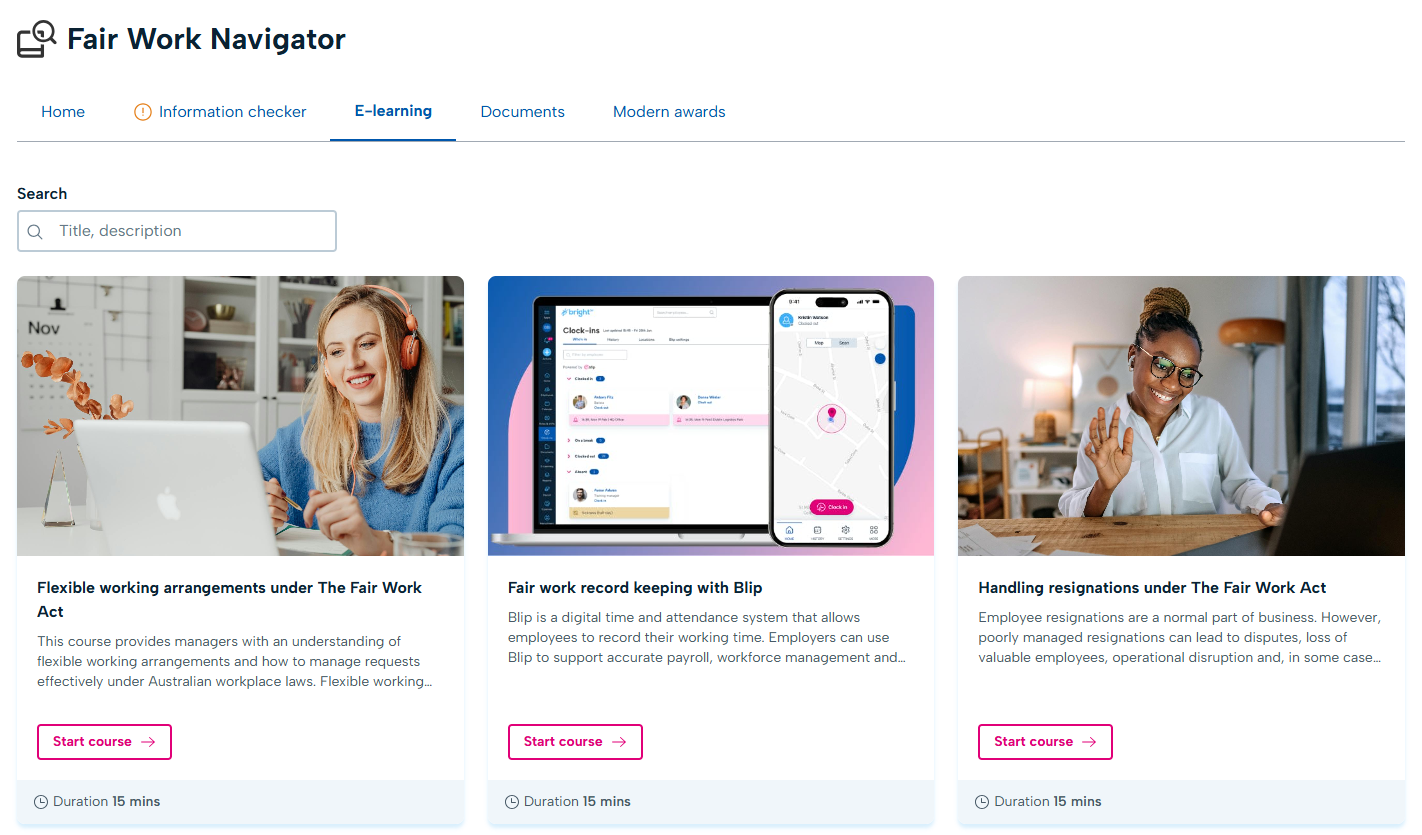
E-learning courses
As well as helping you apply the Fair Work Act changes correctly, we want to help you understand why you need to. So we have created 30 new E-learning courses to help you understand exactly what is changing, how to manage it, what the implications might be and more!
Even better, after each course you'll get an assessment which when passed, will give you a certificate of completion showing your hard work.
Documents
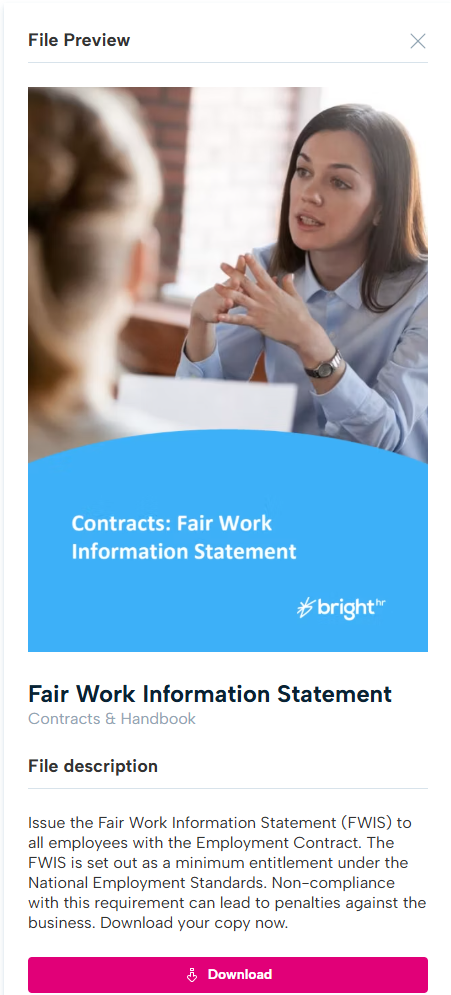
Here we provide you with templates that you can use to update things like contracts and other important documents.
Simply find the document you need, click it and select download. Then all you need to do is fill in the blanks!
Modern Awards
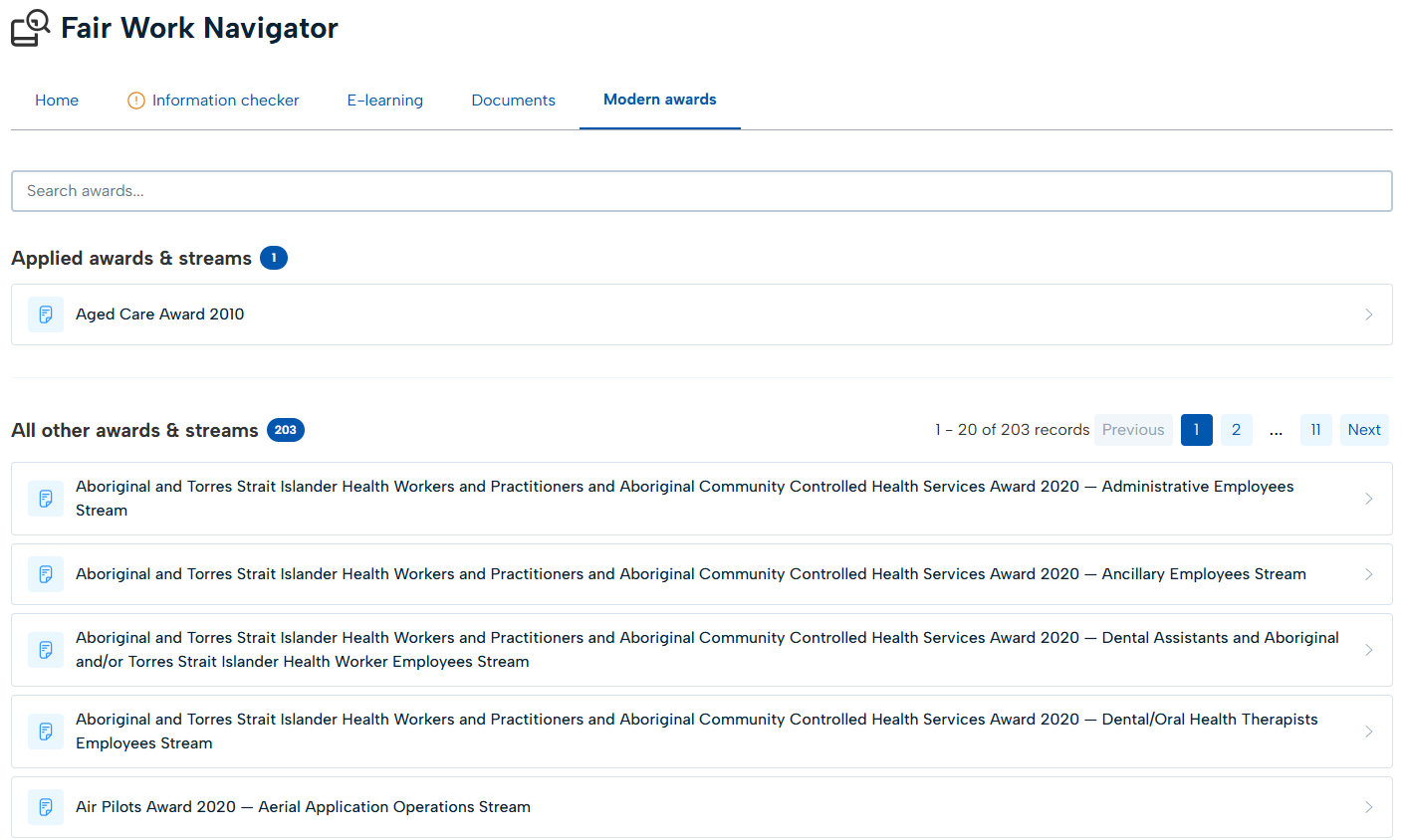
The modern awards tab gives you a detailed breakdown of all awards as well as gives streams associated with the award.
You will be given a detailed overview of things like the award type, coverage summary, minumum base rates of pay and more to help you select the correct award for your employees.
Once you start applying awards, you will also be able to see a list of the awards you have applied to review if the correct award has been applied.