- ...>Overtime Tracker
Employee overtime tracker
Easily manage and calculate overtime with our award winning tracker
- See extra hours worked with clear records
- Approve or decline overtime requests easily
- Choose between overtime pay or time off in lieu
- Calculate your payroll with accurate reports

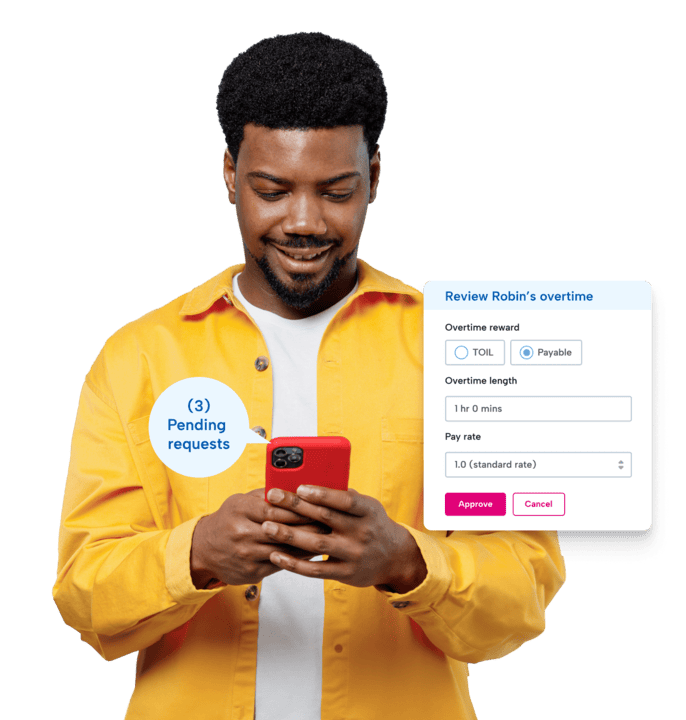
Join 9,000+ Canadian businesses that trust BrightHR
Join 9,000+ Canadian businesses that trust BrightHR






Always keep on top of your employee overtime
Tracking overtime can be difficult. Forgetting to log additional hours? Struggling to calculate overtime? Our overtime tracker helps you eliminate guesswork.
- Reward your staff with payable overtime or time in lieu (TOIL)
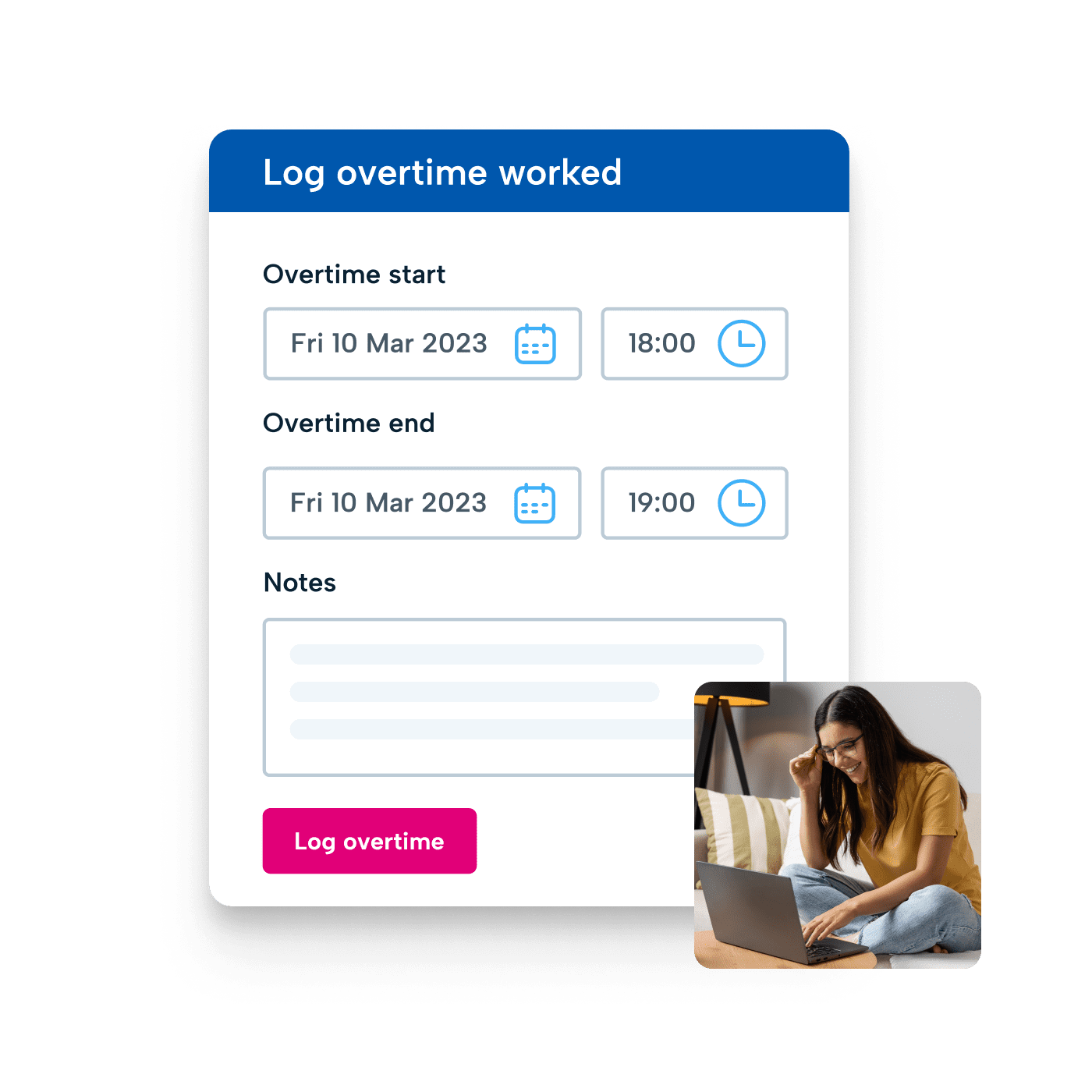
- Let staff log their own additional hours—right down to the minute
- Generate full, downloadable reports so you know who’s owed what
- Get instant notifications for new and updated overtime requests
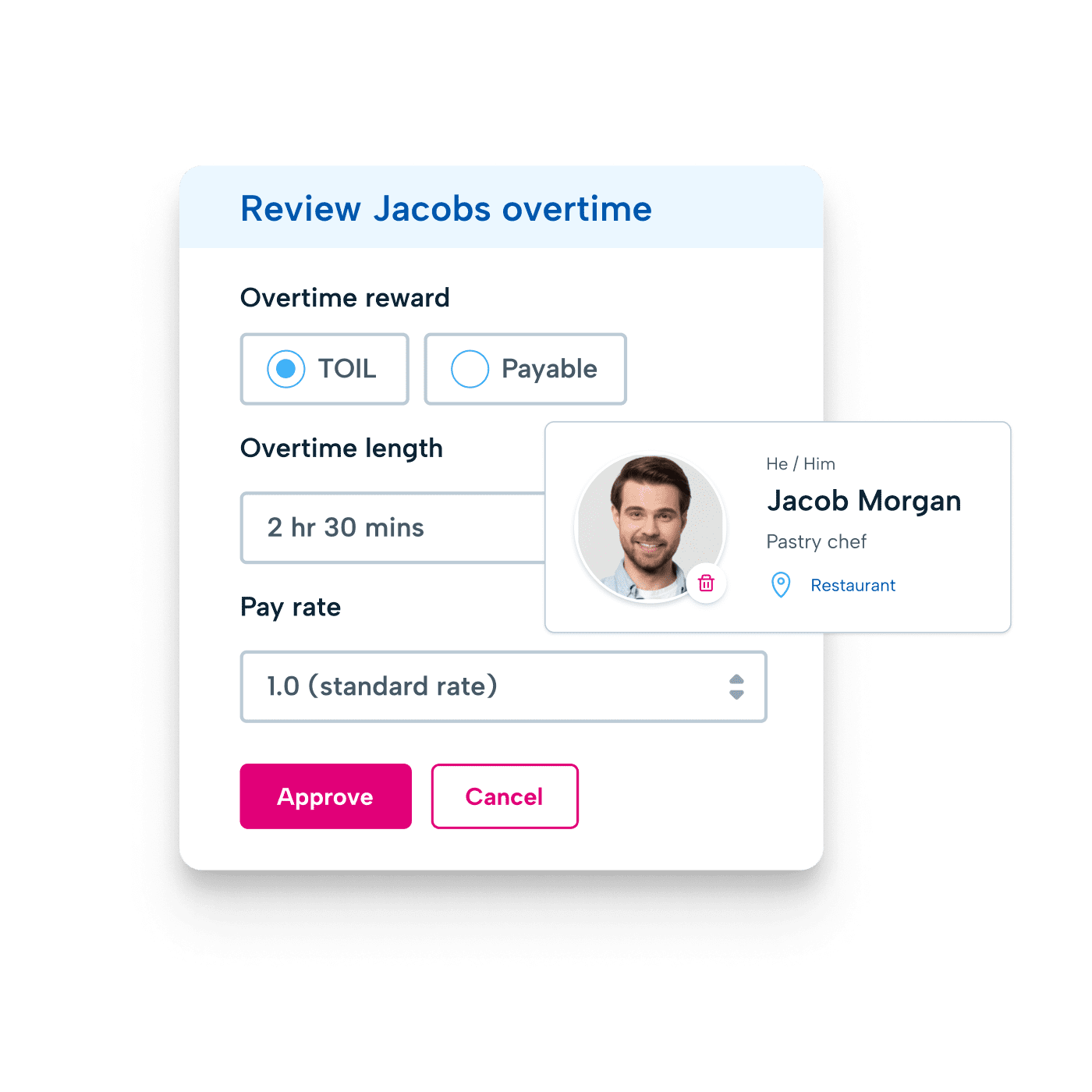
Choose how you reward your staff’s extra hours
Whether you want to bank their hours for later use (Time in Lieu), offer overtime pay, or a hybrid of both—our employee overtime tracker lets you choose how.
- Gain a clear view of your staff’s hours and pay rates
- View, edit or cancel overtime requests in seconds
- Keep staff updated on how many banked hours they have left
- Easily plan ahead with an overview of your employees’ banked hours
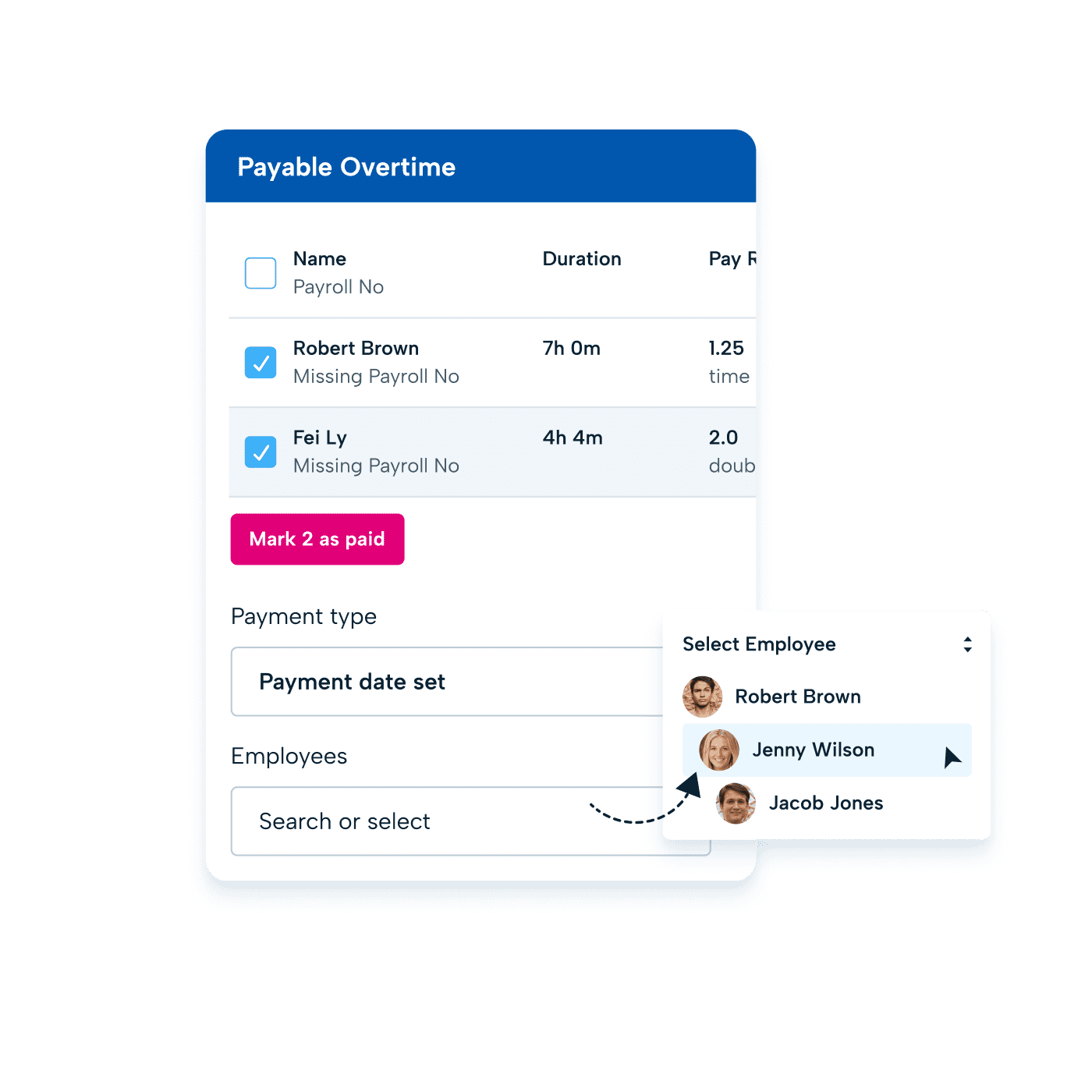
Simplify your payroll with up-to-the-minute logs
Our overtime tracker makes it simple to pay your staff correctly and on time without missing a beat, and proves that overtime doesn't need to interrupt your payroll calculations.
- Generate and download accurate timesheet reports
- Give your staff control over their hours with easy time-tracking
- Stay compliant with provincial standards on overtime
- Calculate overtime pay without any extra steps
What our customers say about BrightHR
Using BrightHR makes us much more organised and centralises our processes, making it quicker for us to manage sickness and vacations.
Nottingham Credit Union

BrightHR is a user-friendly system and the team are on hand to answer any questions we ever have. I would highly recommend BrightHR.
Deborah Gillespie @ Change, Recruitment Group

Our staff absolutely love using the system and the ease of booking vacations and clocking in using Blip. Customer service is amazing...
Steven Greenall @ Cornerstone Children’s Home

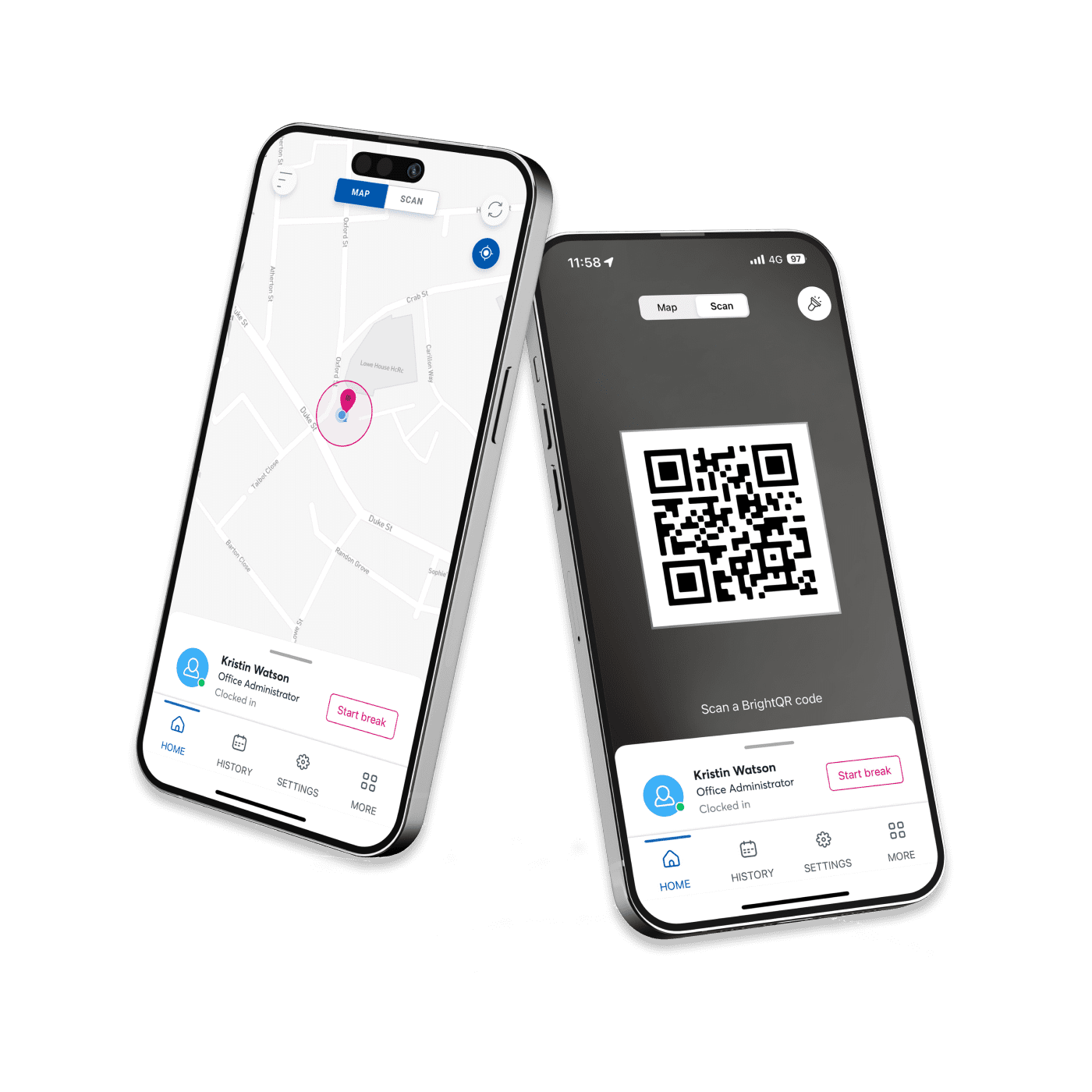
Make accurate time-tracking easy with the Blip app
Blip, our time tracking app available on iOS or Android, lets your employees clock in or out with just their mobile.
- Know who’s on, off, or on a break with real-time updates
- Prompt forgetful staff to log their hours with auto-alerts
- Enable remote working with secure geolocation tracking
- Make sure you’re compliant with Hours of Work Regulations
See our handy Overtime Tracker in action!
Discover just how much simpler our Overtime Tracker makes everyday tasks—from timesheets to payroll. Our video gives you a quick introduction to everything you need to know.
But if you want to see what your business could look like with this tracker in your toolkit, book a free demo with our experts today.
Easily track and manage employee time

Get a real-time view of who’s clocked in, out, or on a break by letting staff clock their own hours on our Blip App.

Create, assign, and edit shifts and schedules with ease across ANY working pattern. Plus bring flexibility with our new open shifts feature.

Make your staff vacation management a breeze. Approve vacation requests on the go, get notified of clashes, and get a single view of your entire teams schedule.
Interested in tracking overtime easily?
Get a free demo from our expert team, and see how we can help you manage overtime effectively
Our latest insights

Thursday, April 11, 2024
Here’s how you can master planning schedules

Thursday, October 16, 2025
Best practices for employee scheduling during busy periods

Tuesday, September 2, 2025
Why employees in Ontario keep turning up late to work
FAQs
Q. QuestionDo I legally need to pay my staff overtime or can I give them time off in lieu?
You can opt to give your employees time off in lieu instead of paying them for overtime.
But you need to make sure that your employment contracts align with this and don’t promise your employees payment for overtime. You also need to ensure that your employee payroll follows legal requirements.
Be confident you’re doing the right thing for your employees and the law by getting in touch with our team of employment realations advisors on BrightAdvice. They’re available 24/7 to answer all your urgent questions
Employers do not have to increase an employee’s regular pay if they work overtime; however, they must abide by what the applicable employment standards legislation prescribes for overtime pay.
Remember that if you do need support getting your HR documentation right, BrightBase is our library housing expertly written HR document templates including employee handbooks and contracts.
Q. QuestionDo I need to pay overtime hours if my staff work over 40 hours a week?
Employers must pay the employee a premium rate pay for work performed beyond the standard number of hours per day or week, unless you and the employee have an overtime averaging agreement. Overtime pay rate vary across jurisdictions, but employers may also offer the employee time off in lieu of overtime pay instead (banking overtime).
BrightHR offers you tools to generate detailed timesheets that you can download and use for accurate payroll reporting. You can also get 24/7 answers to your burning compliance questions on BrightBrAInbox.
No. You can start using our Overtime Tracker when you sign up for any one of our complete BrightHR software packages.
Not only is it a more cost-effective HR solution than buying standalone tools, but it also works better when your overtime tracker can speak directly to your time tracker, payroll reporting tool, and vacation planner.
Ready to get started?
Get in touch and discover how BrightHR can revolutionize your people management today.